

Rs. 1,136
This is add-on content — the receiving Steam account needs the base game to play it.
How delivery works
- At checkout, enter your Steam profile URL and Friend Code.
- We send you a Steam friend request — please accept it.
- The game is sent to your account as a Steam gift, usually within 24–48 hours.
- Steam gifts only work within a compatible region (South Asia). Make sure your Steam account's region matches before buying.
- Steam games are purchased in a separate order from other products.
Genre: Strategy
Released: 30 Jul, 2026
0 trailers · 1 screenshot
Requires How Many Dudes? The Roguelike Autobattler — buy the base game

About This Content
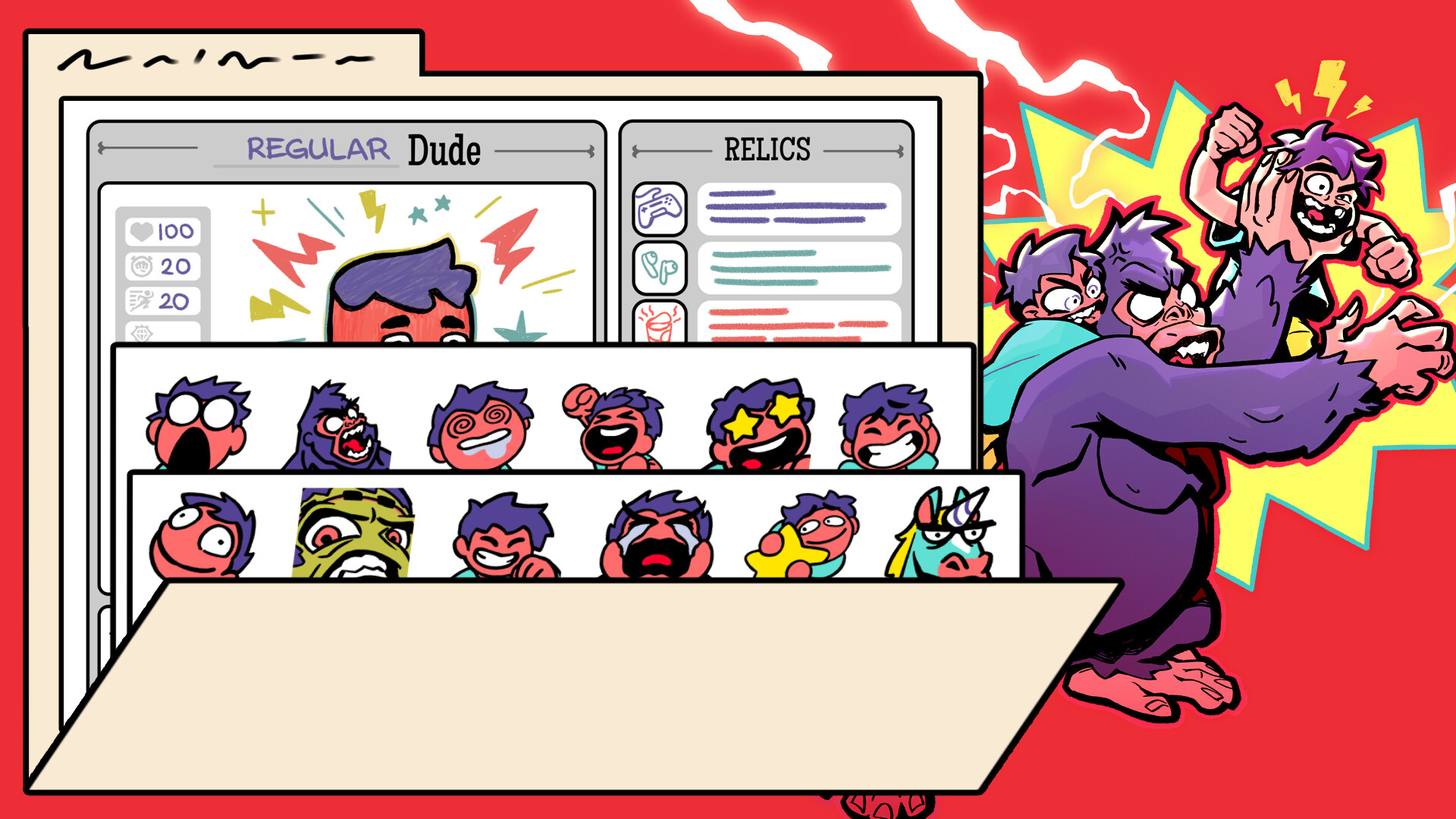
Are you a Fan Dude? Do you want to better express your love for the Dev Dudes who made HMD?
DUDE! We made this Supporter Pack just for you!
This Supporter Pack is for players who want to throw a little bonus to the Dev Dudes. But your generosity won't just grant you fuzzy feelings... this pack includes some extras for you, too!
- HD Wallpapers
- 14 custom Emotes for you to use wherever you please (discord servers, twitch, whatever!), including 2 animated Emotes
- Build-a-Dude Worksheet* so you can dream up your own Dudes for fun! Digitally or with a print-out.
From the Dev Dudes: Thanks for your support, and for being SUCH A DUDE! <3
* To be clear, this is just for fun & doesn't actually add the Dude to the game!
After Installation
After purchasing and installing the Supporter Pack DLC, you’ll find the files in the main installation directory of How Many Dudes under the "Supporter Pack" folder.
For example, on Windows, this is typically: "C:\Program Files (x86)\Steam\steamapps\common\How Many Dudes"
If you’re not sure where HMD is installed, here’s how to locate it:
- Open your Steam Library and right-click on HMD
- Select Properties…
- Go to the Installed Files tab.
- Click Browse… to open the game’s install folder.
System Requirements
Minimum
- Requires a 64-bit processor and operating system
Recommended
- Requires a 64-bit processor and operating system