

Rs. 1,032
This is add-on content — the receiving Steam account needs the base game to play it.
How delivery works
- At checkout, enter your Steam profile URL and Friend Code.
- We send you a Steam friend request — please accept it.
- The game is sent to your account as a Steam gift, usually within 24–48 hours.
- Steam gifts only work within a compatible region (South Asia). Make sure your Steam account's region matches before buying.
- Steam games are purchased in a separate order from other products.
Genre: Adventure, Indie, Simulation
Released: 26 Mar, 2025
0 trailers · 1 screenshot
Requires The Darkest Files — buy the base game

About This Content
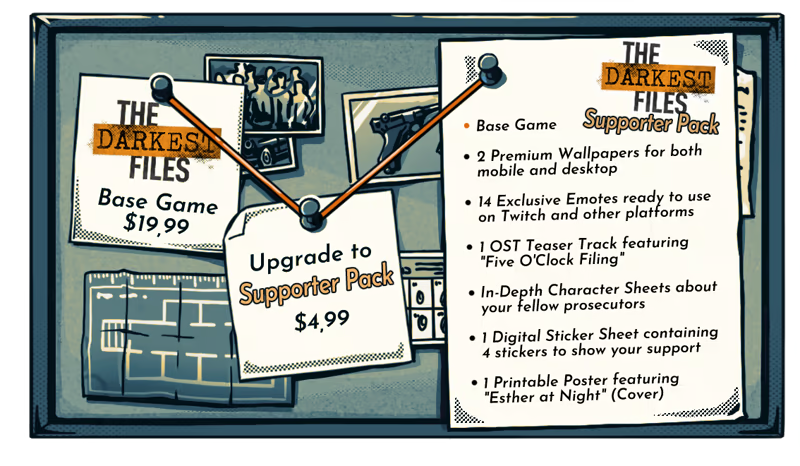
Enhance your experience with exclusive digital content for supporters of The Darkest Files!
This special pack includes:
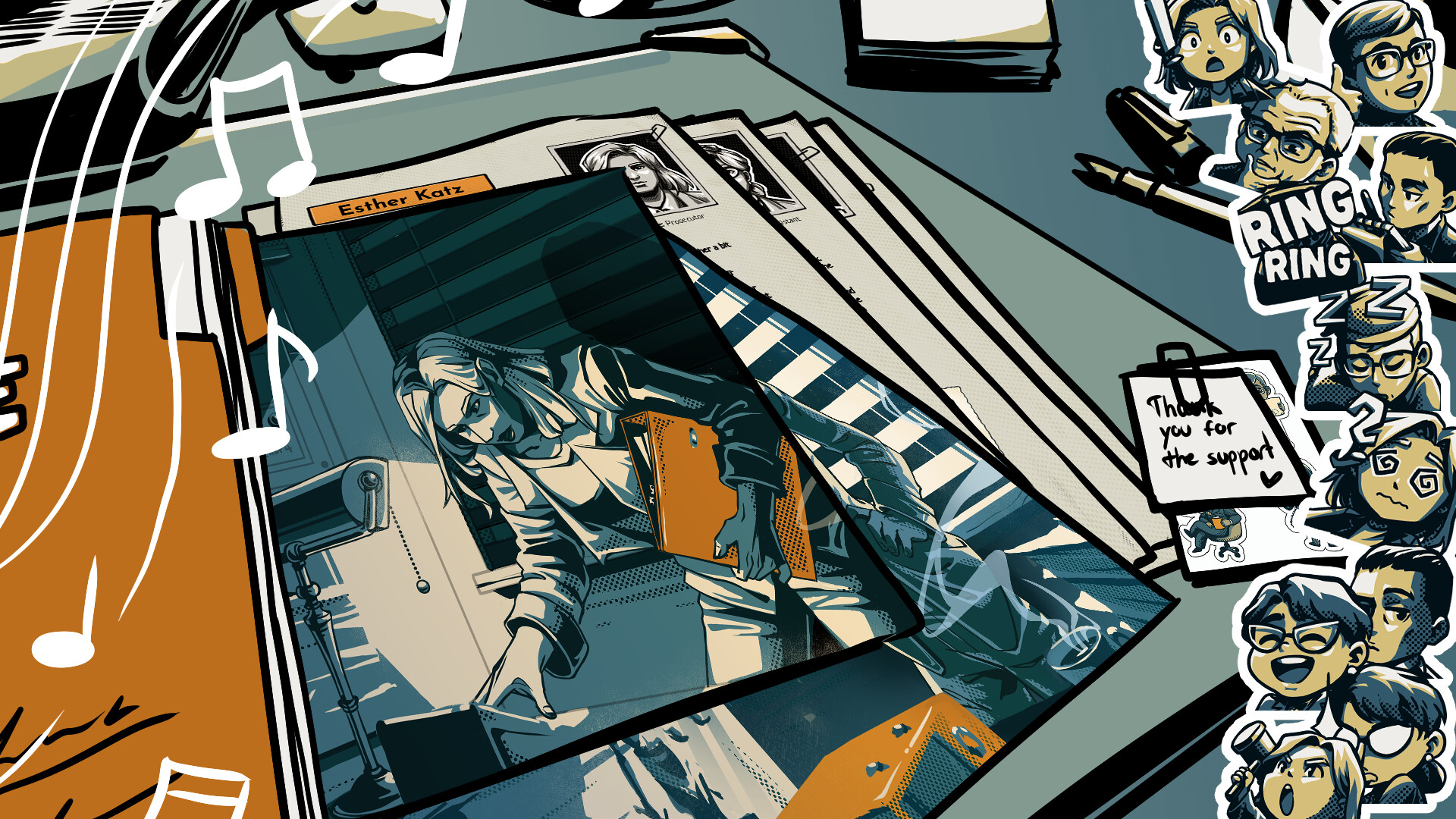
- 2 Premium Wallpapers for both mobile and desktop (Esther at Night and Day)
- 14 Exclusive Emotes ready to use on Twitch and other platforms
- 1 Printable Poster featuring "Esther at Night" (Cover)
- 1 OST Teaser Track featuring "Five O'Clock Filing" - the atmospheric tune playing on the office radio
- In-Depth Character Sheets revealing (almost) everything about your fellow prosecutors
- 1 Digital Sticker Sheet containing 4 stickers to show your support
Perfect for people who missed our Kickstarter or backers looking for additional exclusive content. Thank you for supporting our vision of bringing this important historical story to life through immersive gameplay.
To access this content please proceed as follows:
Right-click on the product in your Steam Library and select "Properties".
Under the "Local Files" tab, select "Browse...".
Within the product's local files, locate a folder that has a similar name to the content you are searching for.
System Requirements
Minimum
- Requires a 64-bit processor and operating system
Recommended
- Requires a 64-bit processor and operating system